Sparkler is a tool designed to create appcast.xml file for projects that use Sparkle framework. Even though creating the appcast.xml and signing the zip package is an straight forward procedure when using Sparkle framework sometimes it can be overwhelming to edit the xml file to add the descriptions and release notes, you can find all the resources and guides on Sparkle's GitHub page or at their official website but Sparkler makes thing a lot easier and it saves your time and unnecessary headaches.
If you are using Sparkle framework to activate automatic updates for your applications this application might be a great help to you because it's simply designed to create the appcast.xml file for your new release in seconds.
It's simple, practical and straight forward. Sparkler is not affiliated with Sparkle framework, it's an standalone and independent project.
You can select or drop the zip file of your amazing new software release and add descriptions and URL for release notes with just a few clicks.
Here's how to use Sparkler:
Download Sparkle framework from https://github.com/sparkle-project/Sparkle/releases and extract the tools from bin folder and then copy them to usr/bin/local folder, this can make thing a lot easier for the Sparkler to use. You can also select the path of the bin folder provided by Sparkle framework from any destination folder you like but copying these files to usr/bin/local folder is recommended. The files you should copy are: BinaryDelta, generate_appcast, generate_key, old_dsa_scripts folder and sign_update. Once you copied them to the recommended path run them to make sure they work properly. The sing_update will generate the public and private keys for signing your new release so it is absolutely mandatory to properly sign your updates before uploading them to your server.
for more information about the signing procedure you can read the official Sparkle framework's documentation.
- Compress your ready to publish app file into a ZIP file, just use macOS's Archive Utility because it uses the standard compression and it's easy to use.
- Once your file is ready drag and drop it to the Sparkler app or use Select File button to select the ZIP file.
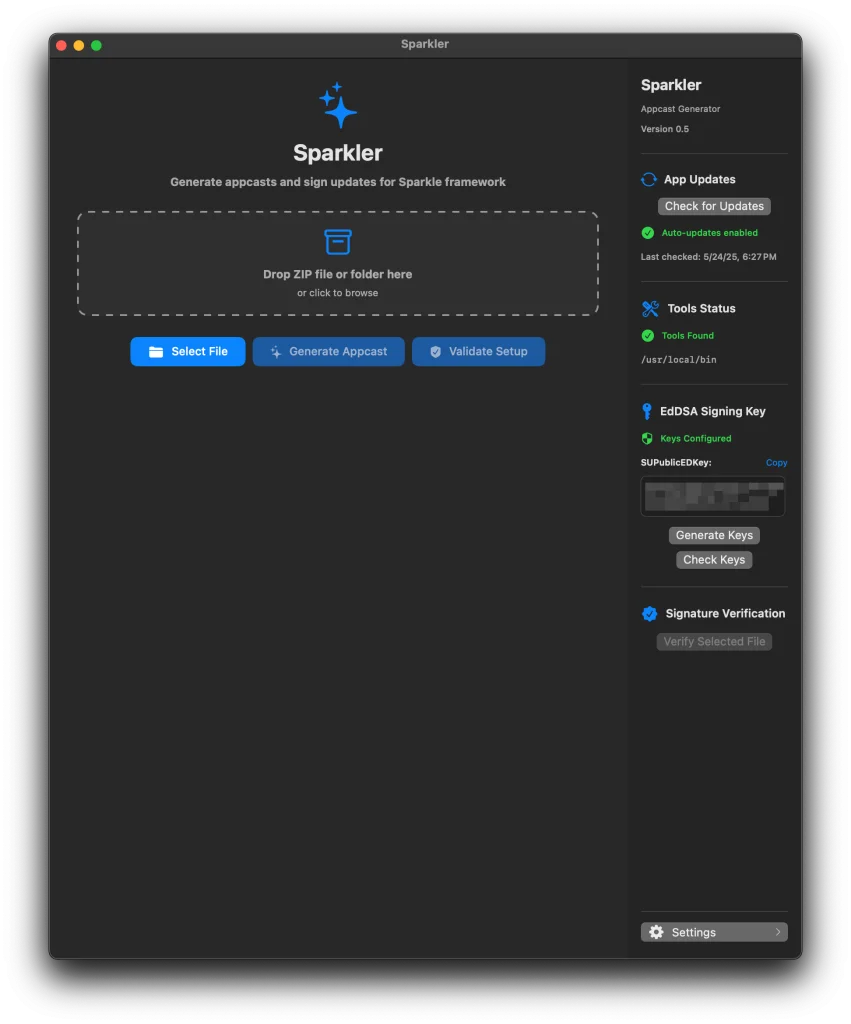
- Once you select the file the fields for you appcast.xml file will be accessible to generate your appcast file.
- Before clicking the Generate Appcast make sure that the public key is detected correctly which you can find it in the right sidebar under EdDSA Signing Key, if you see the key then you're set to go if not there is a problem with the tools or your public and private keys.
- If you see the green message "Key configured", click Generate Keys button to generate the private keys so the app can read them from the keychain for the next step. If you see the EdDSA message on the bottom of the window you're good to go to the next step.
- You can add the details and the release notes for your shiny new app and provide the URL for the download folder which you will upload your ZIP file to.
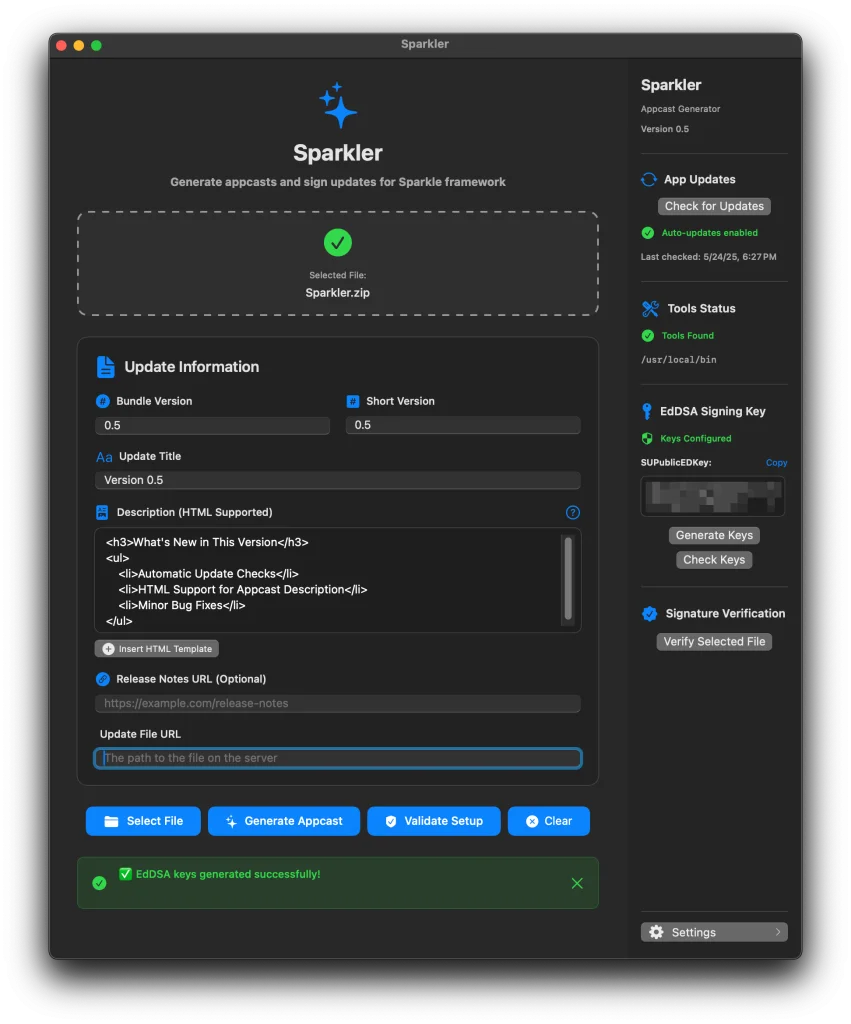
- Click Verify Selected File button to check and see if it's signed properly, You'll see and message underneath the Signature Verification and if your files is signed properly you can now click Generate Appcat button and your appcast.xml wil be saved in the same folder as your ZIP file.
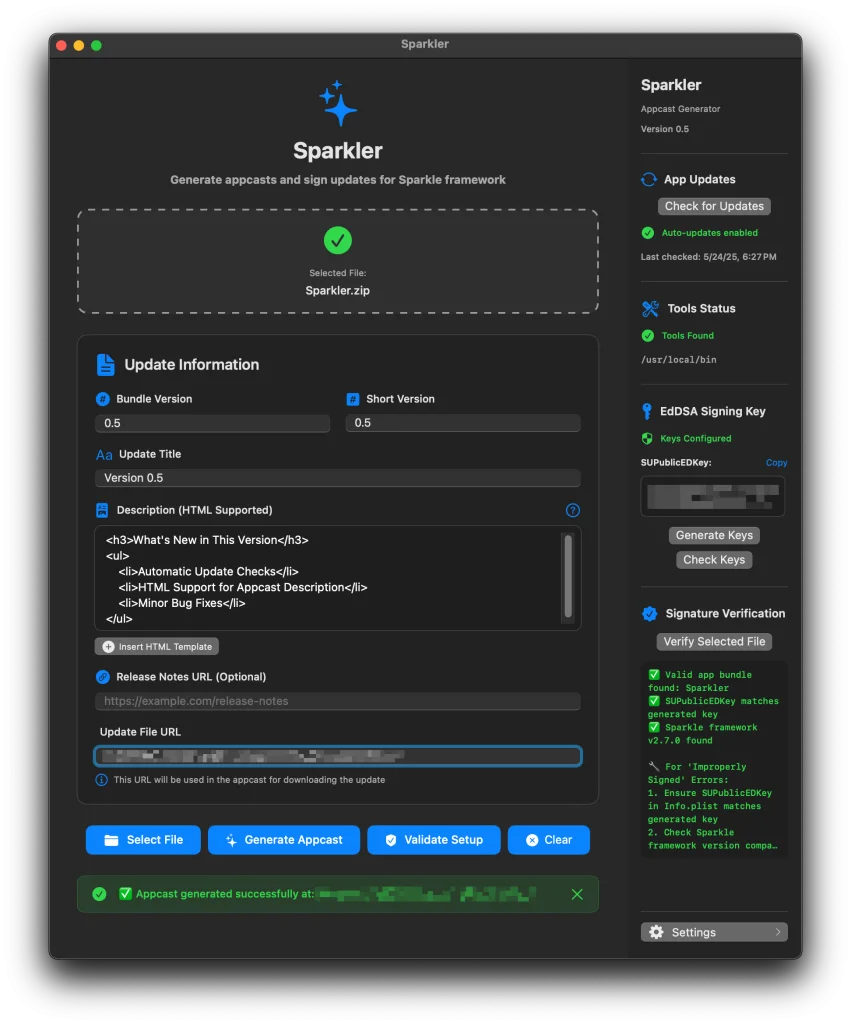
All you have to do now is to upload your ZIP file and the appcast to the same URL as you provided.